
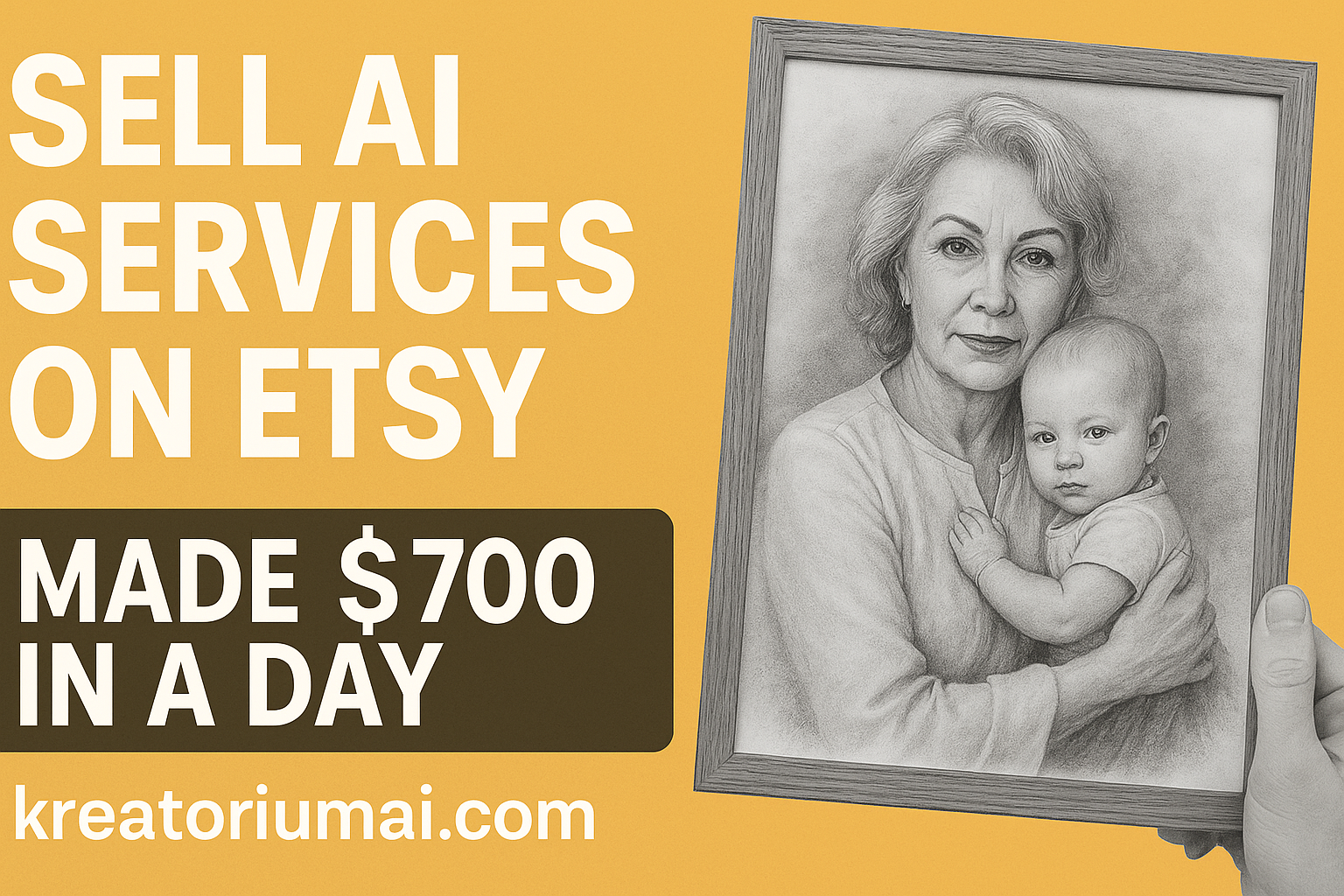
There’s a whole category of products on Etsy that doesn’t really feel like “products.
They’re experiences.
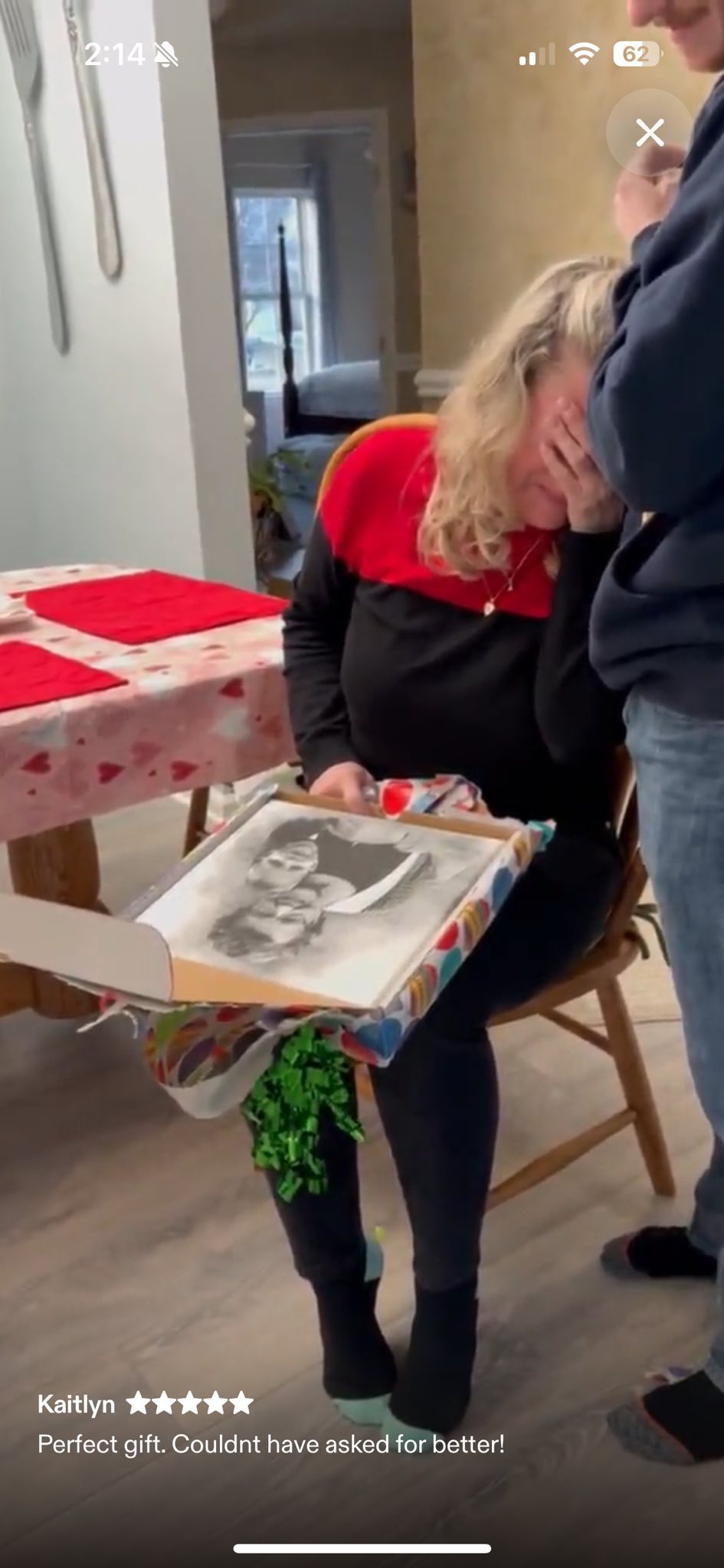
They’re the kind of gifts that make people cry at the dinner table, clutching a framed picture of someone they miss.
And now, thanks to AI, you can create these kinds of emotional gifts in under 5 minutes of work – and sell them over and over again as a digital service.
The Etsy Listing That Prints Emotional Reactions
Scroll through this Etsy listing and you’ll see it right away:
- A mom opening a framed portrait and instantly covering her face, crying.
- Families reuniting two people who never got to take a photo together.
- Multiple 5-star reviews and “Perfect gift. Couldn’t have asked for better!”
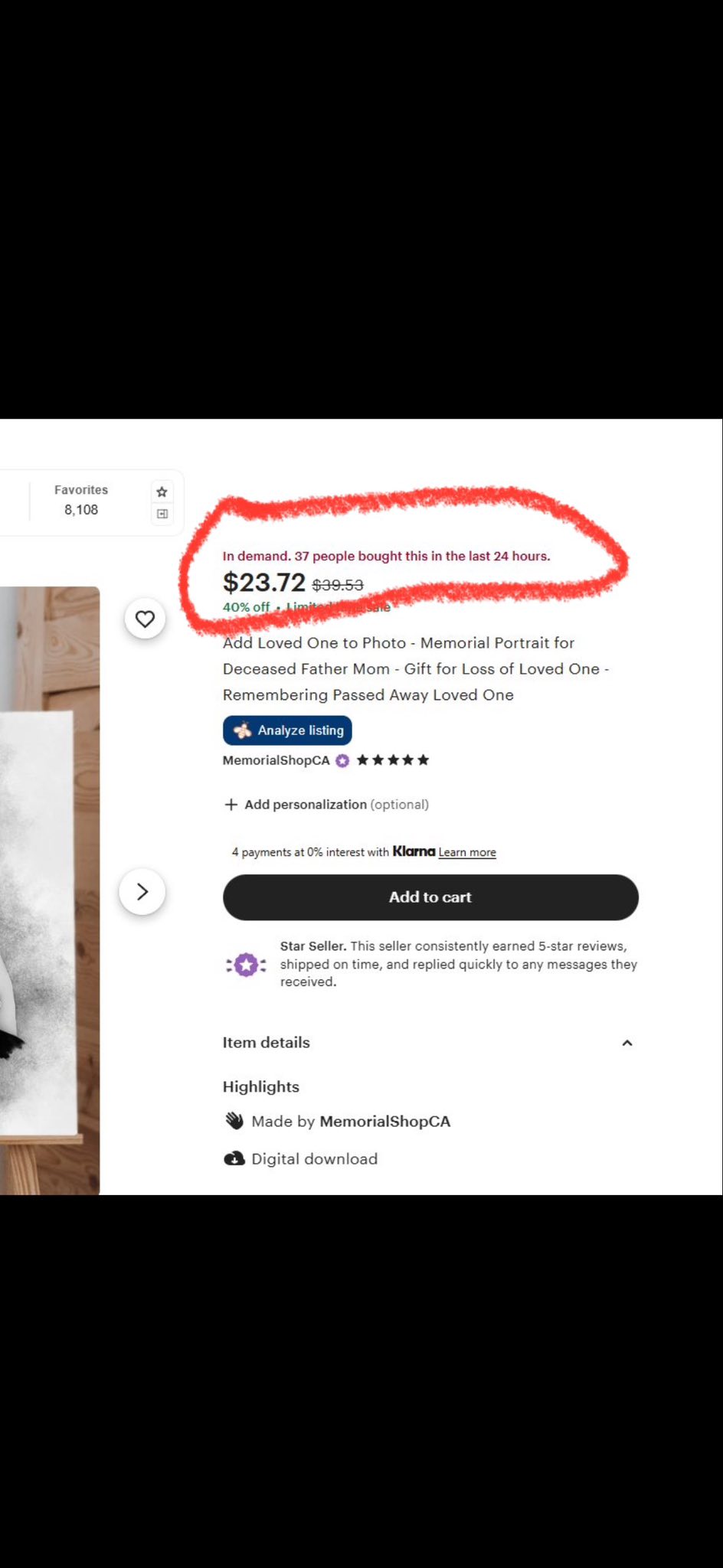
This seller offers a service called “Add Loved One to Photo.”
The idea is simple:
You send them a photo of a loved one who has passed away, and another photo from today (a wedding, a baby, a family gathering).
They combine them into one black-and-white portrait, as if everyone was there together.
It’s hard to think of something more emotional than that.
The Numbers: ~$700 Profit in a Single Day
On the screenshot of this listing, Etsy shows:
“In demand. 37 people bought this in the last 24 hours.”
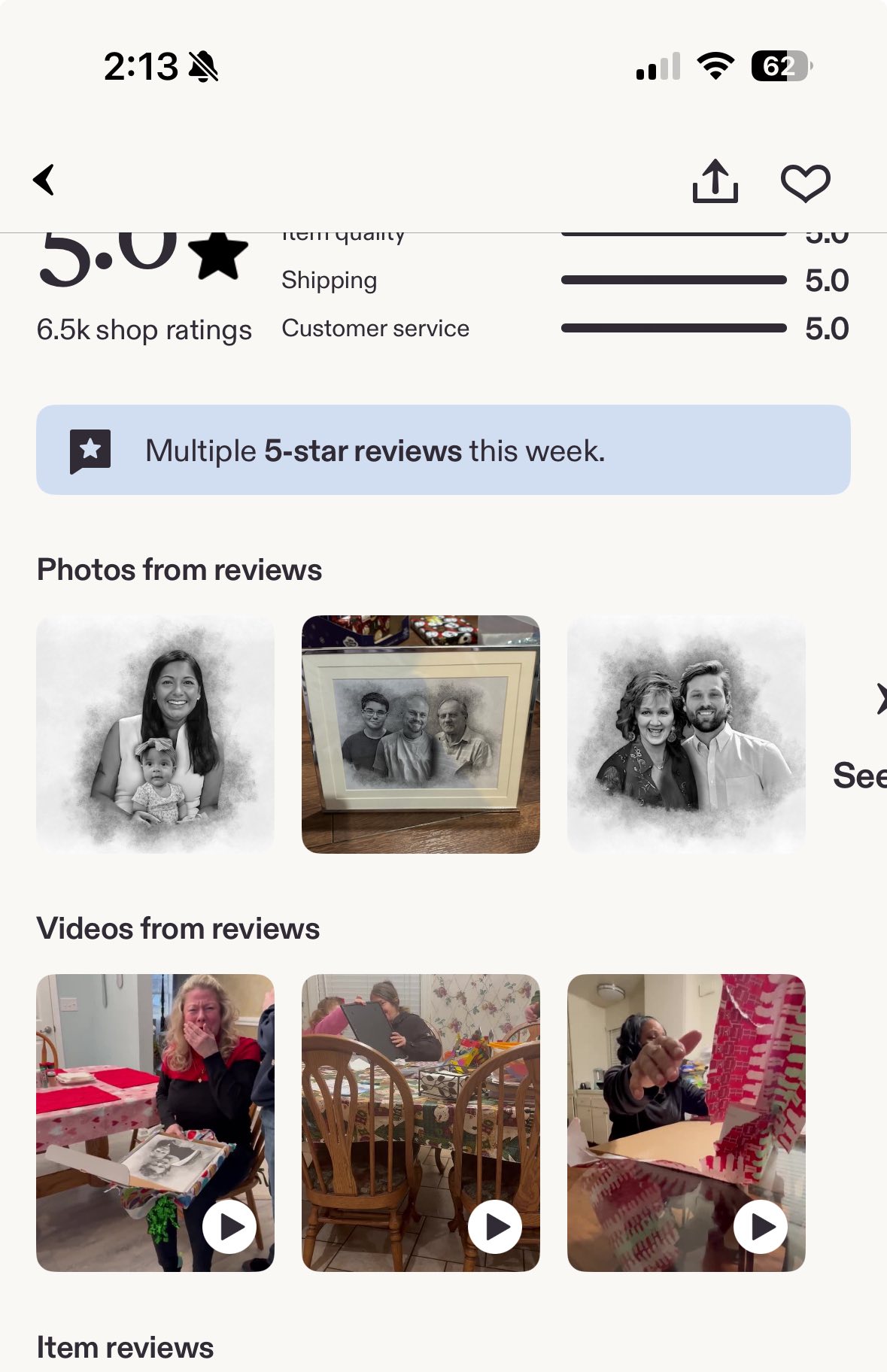
The current price is around $23–$30 per order, depending on discounts.
Let’s be conservative and say:
- 37 orders × ~$23 = about $850 in revenue
- After Etsy fees, that’s roughly $700 profit in a single day
And remember:
This isn’t a physical item. No printing. No shipping. No boxes.
It’s a digital file delivered by message or download.
Why This Works So Well
This type of offer hits a perfect combination:
-
High emotion
People aren’t just buying a picture. They’re buying a moment they never got to have:- A child sitting with their late grandparent
- A mother finally in a photo with her children and her own parent
- A family portrait that includes someone who’s no longer here
-
Premium perceived value
$20–$30 is cheap compared to what it feels like to receive this gift.
That’s why the reviews are full of emotion and grateful tears. -
Digital service, not a commodity
You’re not competing with $2 clipart packs here.
You’re offering a custom transformation that feels personal and one-of-one.
The “Secret”: It’s Mostly Prompting, Not Photoshop
Traditionally, you’d have to:
- Be good at Photoshop
- Spend a lot of time masking, blending, retouching
- Manually tweak every photo
Now?
With the right AI model, this is essentially the workflow:
- Customer sends two photos:
- Photo of the loved one who passed
- Photo of the current moment (baby, wedding, family gathering, etc.)
- You upload both images into an AI tool.
- You give it a clear prompt, something like:
“Combine these two images together. The woman is holding the baby in her arms, looking at the camera. Black and white portrait style, soft background.”
- The AI generates the new portrait in seconds.
- You export the file (usually JPG or PNG), maybe make a tiny adjustment if needed, and send it to the customer.
That’s it.
Once you’ve dialed in your prompt, each order takes just a few minutes.
Doing This With Nano Banana Pro Inside Kreatorium AI
The exact kind of image used in this listing can be created with the Nano Banana Pro model – which we host inside Kreatorium AI.
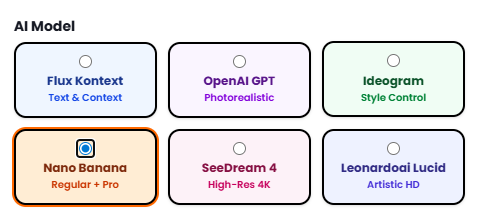
Here’s what the workflow looks like:
-
Log into Kreatorium AI
Go to the AI Image Generator and select the Nano Banana Pro model. -
Upload the two photos
- The “past” photo (for example, a grandparent)
- The “present” photo (for example, the grandchild today)
-
Use a clear, repeatable prompt
Example:“Combine these two images into one portrait. The older woman is holding the baby in her arms, both looking at the camera. Black and white, soft studio lighting, subtle vignette, emotional but realistic style.”
-
Generate, tweak, and save
- If needed, regenerate once or twice until you like the composition.
- Save the final image in high resolution.
-
Deliver to your customer on Etsy
- Send the file via message or set it up as a digital download.
Now you’ve just fulfilled a $20–$30 emotional order in under 5 minutes using an AI model you didn’t have to train yourself.
How to Turn This Into an Etsy Service Offer
If you want to replicate this type of service, here’s a simple starting blueprint.
1. Position your offer
Use a title like:
“Add Loved One to Photo – Memorial Portrait – Gift for Loss of Loved One”
In the description, explain clearly:
- Who this is for (people missing someone they love)
- What you do (combine two photos into one black-and-white portrait)
- How it works (steps + delivery time)
- What they receive (file type, resolution, printing options)
2. Show emotional examples
Upload:
- Before/after images (original photos → final combined portrait)
- Screenshots from reviews (with permission)
- Pictures of people opening the gift and reacting
The photos you saw from that listing say more than any copy ever could.
3. Price for value, not for time
You’re not selling “5 minutes of AI work.”
You’re selling:
- A memory
- A moment that never happened in real life
- A gift that people remember for years
That’s easily worth $20–$40 per portrait.
4. Use AI to handle the workload
Instead of burning out in Photoshop, let Nano Banana Pro do the heavy lifting, and focus on:
- Talking to customers
- Choosing the best reference photos
- Making sure the final result feels natural and emotional
Tools like Kreatorium AI are built exactly for this kind of workflow.
Why This Beats Chasing $2 Clipart Trends
There’s nothing wrong with selling cheap digital downloads.
But services like this have some big advantages:
- Higher margins – You can charge $20–$40 instead of $2–$5.
- Lower competition – Not everyone is willing to handle emotional projects (you are).
- More repeat customers – Once someone trusts you with one memory, they might come back with more photos.
And as AI gets better, the “hard” part (image manipulation) becomes easier and faster – if you know how to prompt and what tools to use.
Ready to Launch Your Own “Add a Loved One” Service?
You don’t need to reinvent the wheel.
Someone is already making around $700 profit in a day with this idea.
You can:
- Open an Etsy shop (or add a new listing to your existing one).
- Set up a memorial portrait / “add loved one to photo” service.
- Use Nano Banana Pro inside Kreatorium AI to generate the actual portraits in minutes instead of hours.
If you’ve been looking for a way to sell AI services on Etsy that actually mean something to people, this is one of the most powerful places to start.
Emotional products. High value. Digital delivery.
And an AI model ready to do the heavy lifting for you.